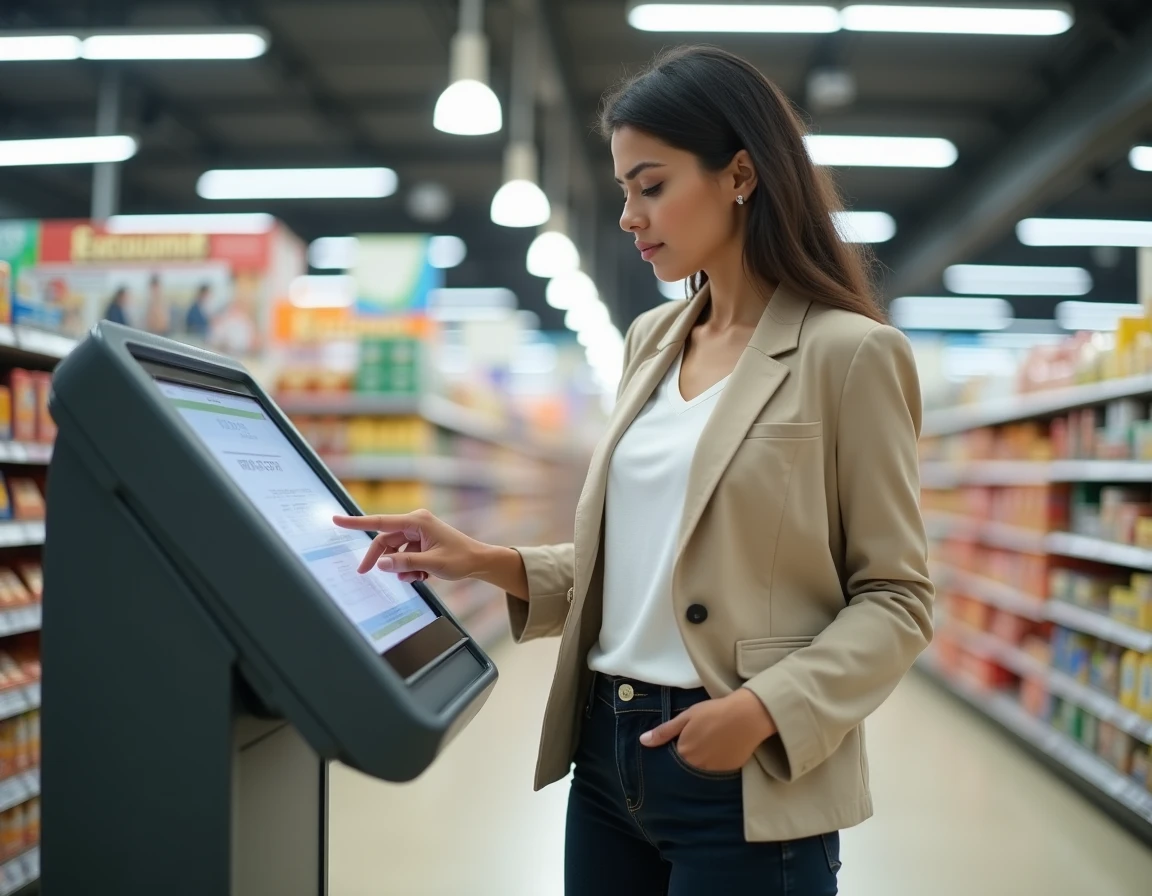
Carrefour hypermarkets have been integrating printing kiosks in their shopping galleries for several years. These terminals, often linked to a Kodak or Fuji photo space, allow users to print PDF documents, ID photos, or color copies from a USB drive or smartphone. The service remains poorly documented online, and prices vary from one store to another without a unified national pricing grid.
Carrefour photo kiosks: what they really print
The most common confusion concerns the very nature of the service. Carrefour does not offer a traditional copy space comparable to that of a specialized store like Bureau Vallée or Corep. Document printing at Carrefour is done through self-service kiosks originally designed for photo printing, which have gradually expanded their functions.
These kiosks accept PDF files and common image formats (JPEG, PNG). However, native office formats (Word, Excel, PowerPoint) are generally not supported directly. You need to convert your file to PDF before going to the store.
Output formats remain limited. Most kiosks only print in A4 and A6 (standard photo format). A3 prints or special formats like posters are not available in the majority of retail outlets. For a document that exceeds the standard A4 size, a specialized store remains the only reliable option.
Printing prices in supermarkets: why there is no fixed grid
Contrary to what some online guides suggest, Carrefour does not display a national pricing grid for printing. Prices are set locally, sometimes by the provider managing the kiosk (Kodak, Fuji, or an independent operator), sometimes by the store management.
This practice is not unique to Carrefour. Bureau Vallée, for example, publishes an indicative pricing grid on its website but specifies that actual prices depend on the store. The trend in large retail is towards price customization based on volume and type of media.
Factors affecting the price of a copy
- Color or black and white mode: a color copy costs significantly more than a black and white copy, sometimes in a ratio of one to five depending on comparable stores.
- Volume: discounted rates often start from around ten pages. For a single document, the unit cost remains the highest.
- Type of paper: printing on glossy photo paper is more expensive than printing on standard paper. Kiosks sometimes offer two or three different weights.
To know the exact price, the only reliable method is to go to the kiosk or call the customer service of the targeted store. Prices displayed in forums or blog articles are often outdated or from a single point of sale.
Printing from a smartphone at Carrefour: connection and file security
Printing from a mobile phone is now the dominant use on these kiosks. Two methods coexist depending on the model of the terminal installed.
The first involves a local Wi-Fi connection or a dedicated app from the kiosk manufacturer. The user transfers their file wirelessly, selects their options (format, number of copies, color), and starts the printing process. The second method uses a USB cable or the SD card slot of the kiosk.
Recent recommendations emphasize the use of secure wireless connections rather than direct USB connection. On a public kiosk, plugging in a USB drive theoretically exposes its contents to a shared terminal. Transferring via an app or by email (some kiosks accept file sending via email) limits this risk.
Precautions before starting the print
- Check that the file is in PDF format and that the layout matches A4 size. A poorly formatted document will be automatically cropped by the kiosk, cutting off margins.
- Remove unnecessary pages from the file before transferring. Each page sent to the kiosk will be charged, including blank pages.
- Disable file sharing on your smartphone before connecting to the store’s Wi-Fi network. A public network remains an unprotected network, even in a trusted store.
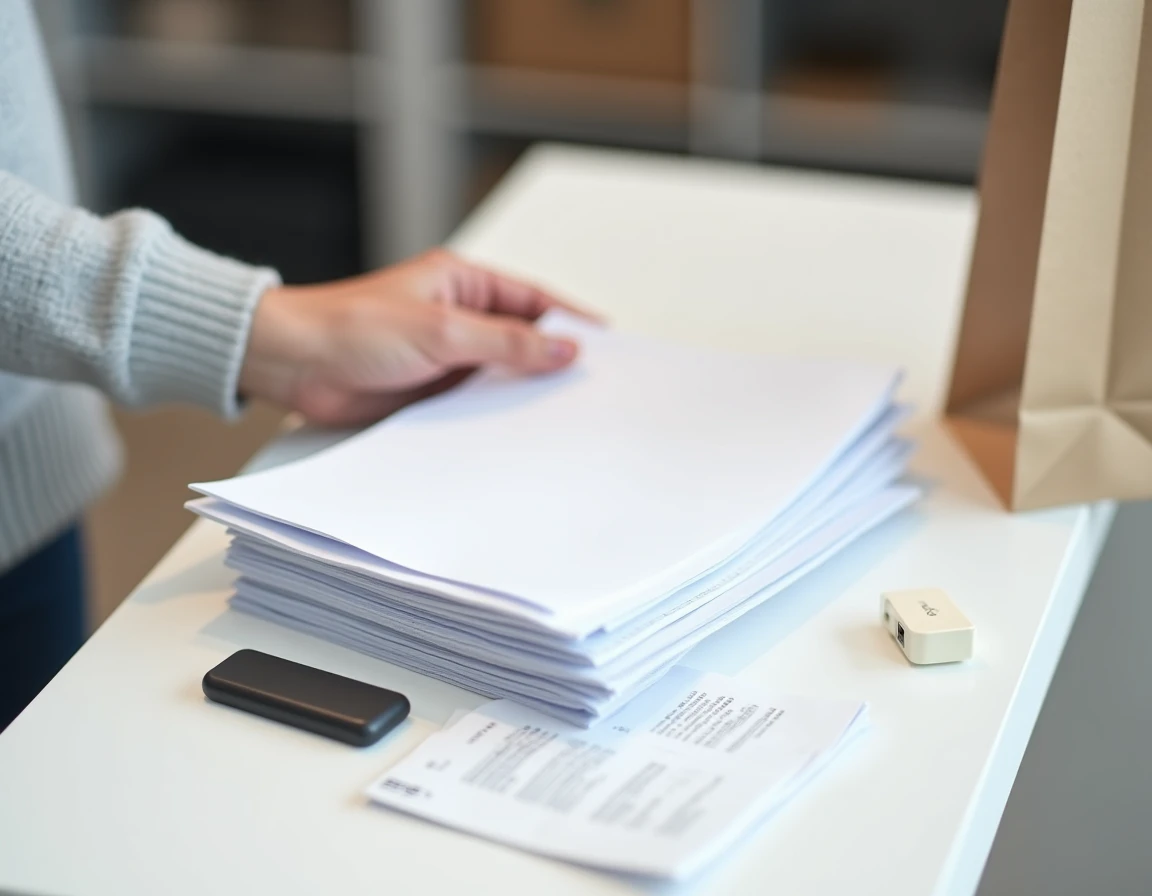
Photo cards and ID photos: additional services at Carrefour kiosks
Beyond document printing, Carrefour kiosks offer standard photo printing and, in some stores, the creation of compliant ID photos. This latter service attracts a significant share of users, especially for renewing identity cards or passports.
ID photos taken at the kiosk are not always compliant with administrative requirements. ANTS standards impose a plain background, precise framing, and uniform lighting. Automatic kiosks attempt to guide the user, but the result heavily depends on the ambient lighting in the shopping gallery. A refusal at the counter remains possible.
For standard photo printing, kiosks generally accept 10×15 and 13×18 formats on glossy paper. The quality is comparable to that of an online photo development service, with the advantage of retrieving prints in just a few minutes.
The in-store printing service at Carrefour covers common needs (a few pages, photos, quick copies) without claiming to compete with a professional printer. The variability of prices and equipment from one store to another remains the main barrier for users seeking a predictable service. Before going, a call to the store can confirm that the kiosk is operational and that the desired service is indeed available.